¶ Notify participants an event is postponed
- Navigate to the Circulation module > Other > Bulk Send Communication
- In the Borrower Search dialog that appears, hover over the Events menu item and choose Event from the sub-menu
- In Events - Event Search - search for your event by title
- When the event detail is shown, scroll to the bottom and next to Links: click the Sessions (N) link (where 'N' will be the number of sessions)
- If there's more than one session, each one will have to be processed separately
- When the session details appear next to Links: click the Registrations(N) link (where 'N' will be the number of registrations for that session)
- When the list of patrons are showing, click Select Set
- A New Communication dialog will appear allowing you to create an Email or SMS message
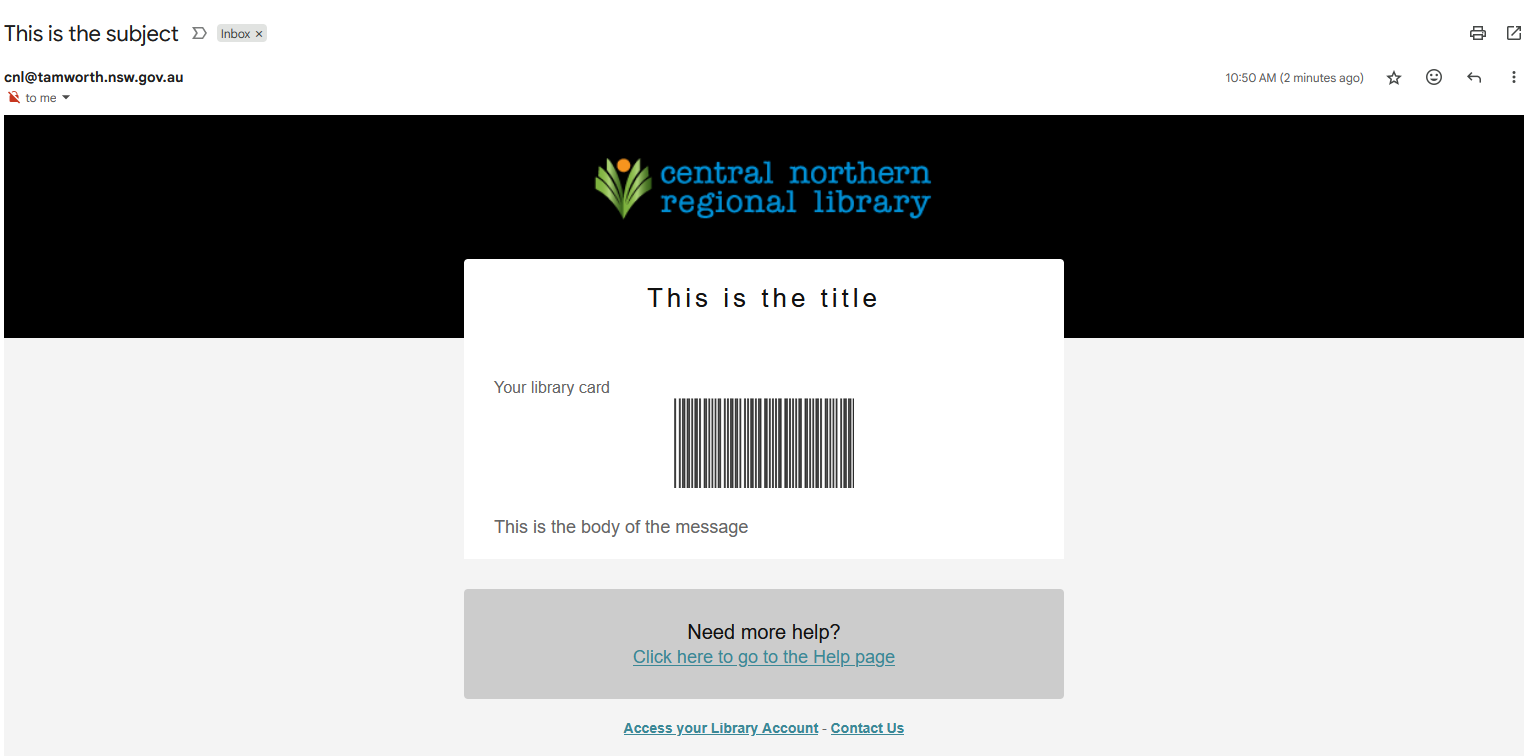
The following shows a basic example of what the email notification looks like: